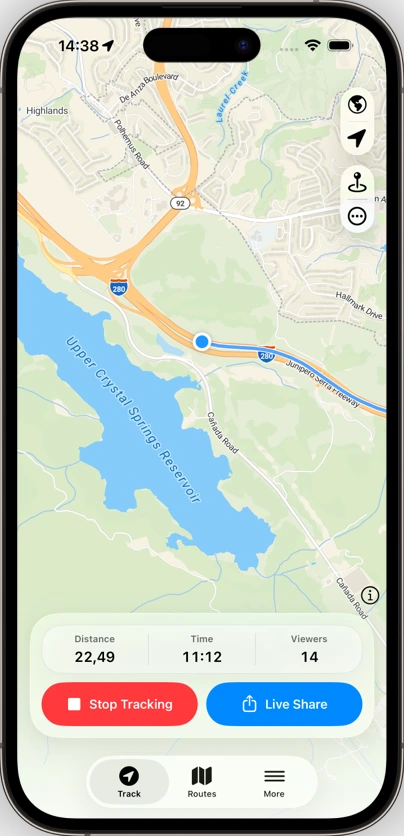
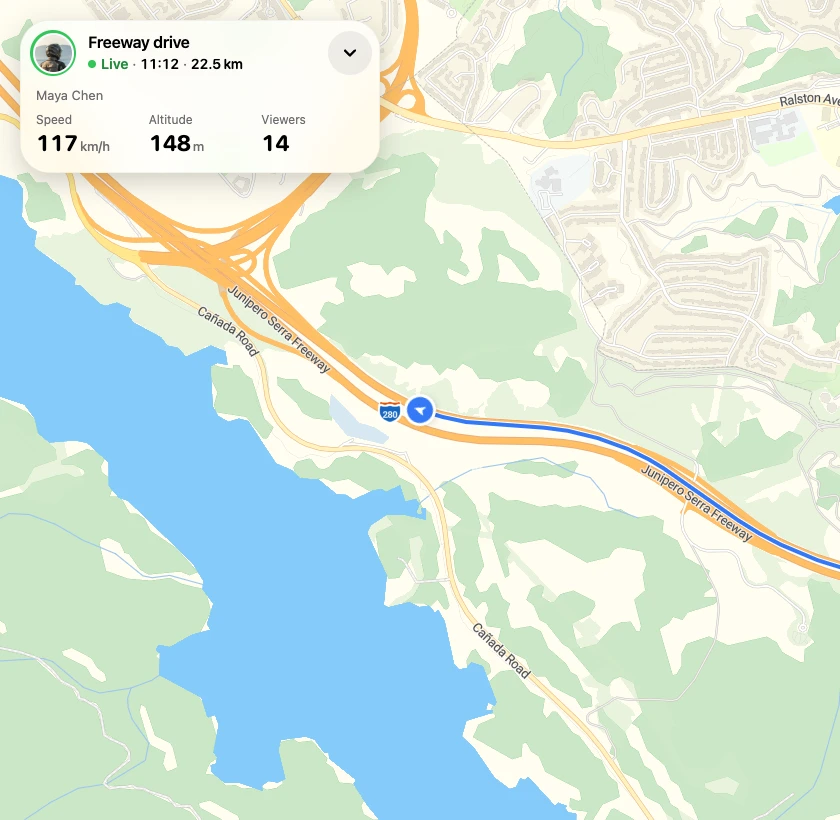
The view from their side
See what they see.
Your location, the route so far, and distance travelled. All in their browser.
Explore the driving demo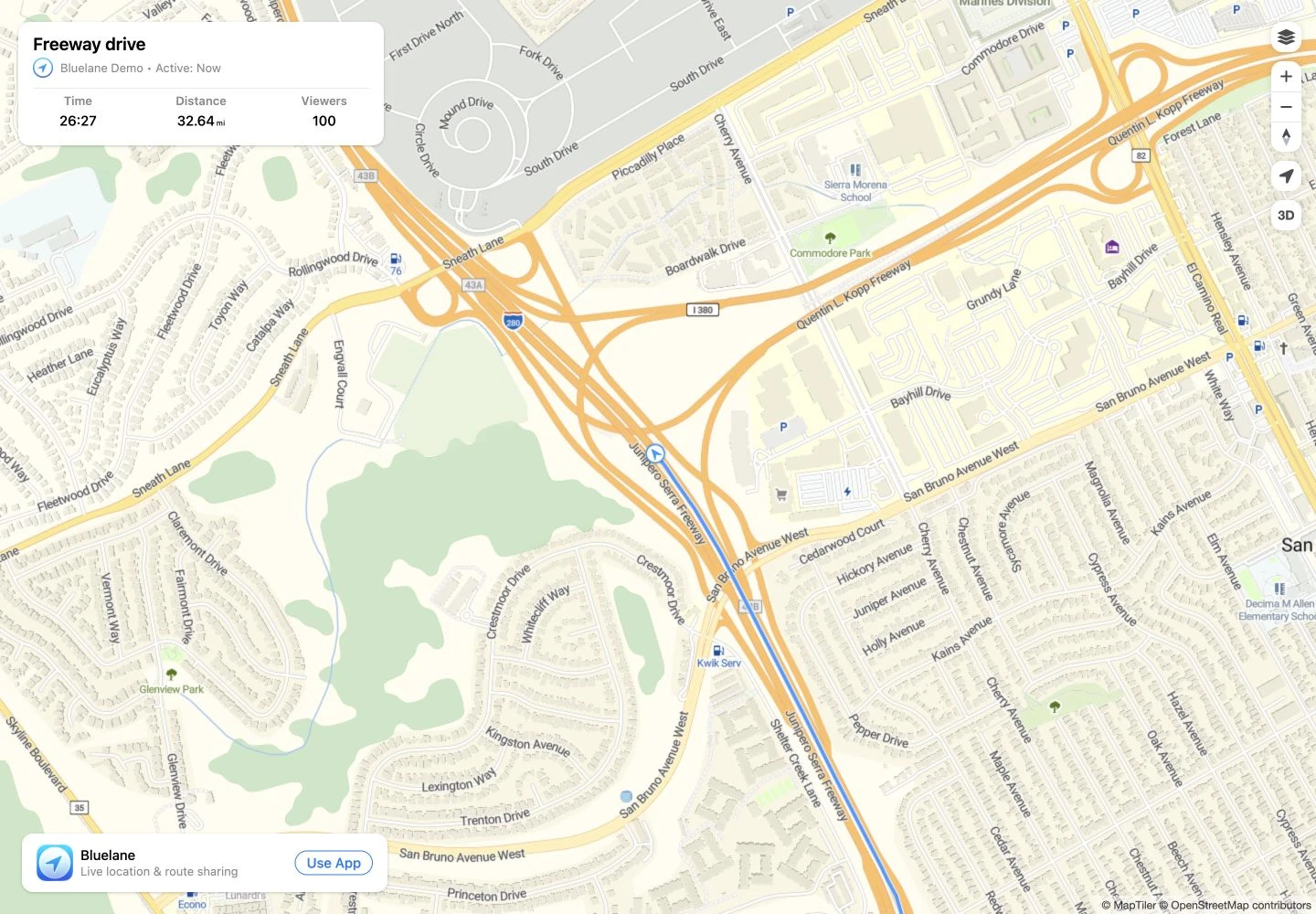
Live location & route sharing for iPhone
Share your live location and route from your iPhone. Friends can follow in any browser.
No app or account needed to follow.
Begin live location sharing from the Bluelane app on your iPhone.
Send the link to friends by text, chat or email.
They can watch your live location and route in any browser.
Whatever gets you out the door, let someone follow along.
The view from their side
Your location, the route so far, and distance travelled. All in their browser.
Explore the driving demo


Anyone with your link can view your route, including if the link is forwarded.
Recording works offline. Live updates resume when your iPhone reconnects.
After the journey
Keep your route history, revisit your favourite trips, and take your routes with you.
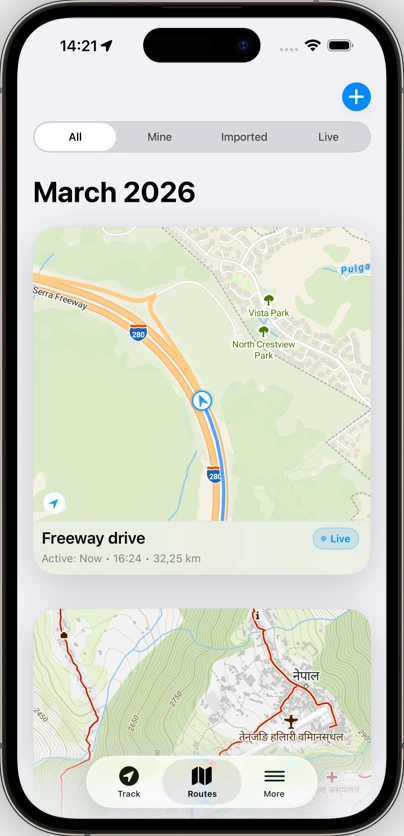
On your wrist
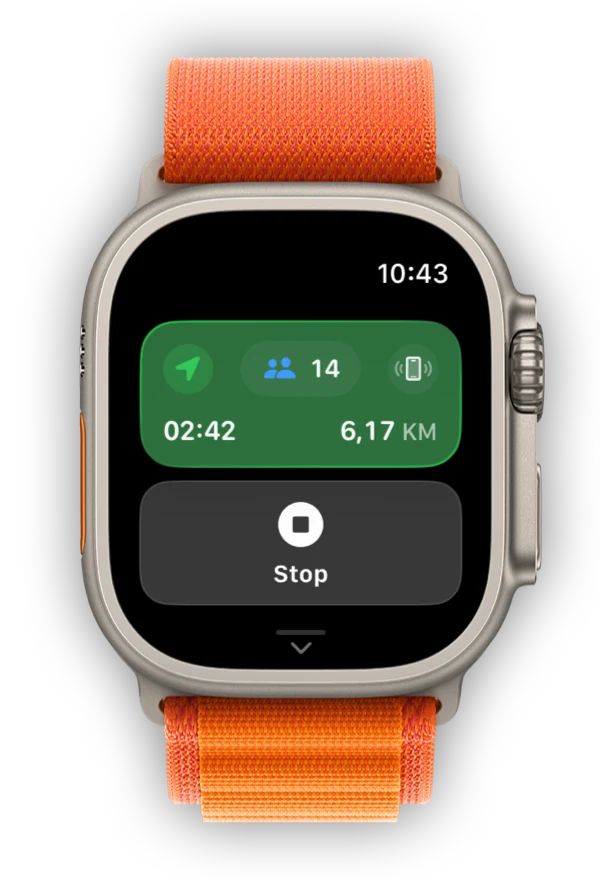
Start, stop and share your route from Apple Watch. Keep distance, time and viewers a glance away.
No. Anyone with your link can follow in a web browser, with no app or account needed.
Yes. Your shared link works in a browser on Android, iPhone, tablets and computers. Only the person recording the route needs Bluelane.
You can keep recording your route offline. Live sharing needs an internet connection, so viewers won’t receive new updates until your phone reconnects.
Anyone with the link can view the route, including if it’s forwarded. Stopping recording ends new location updates; it does not revoke the link.