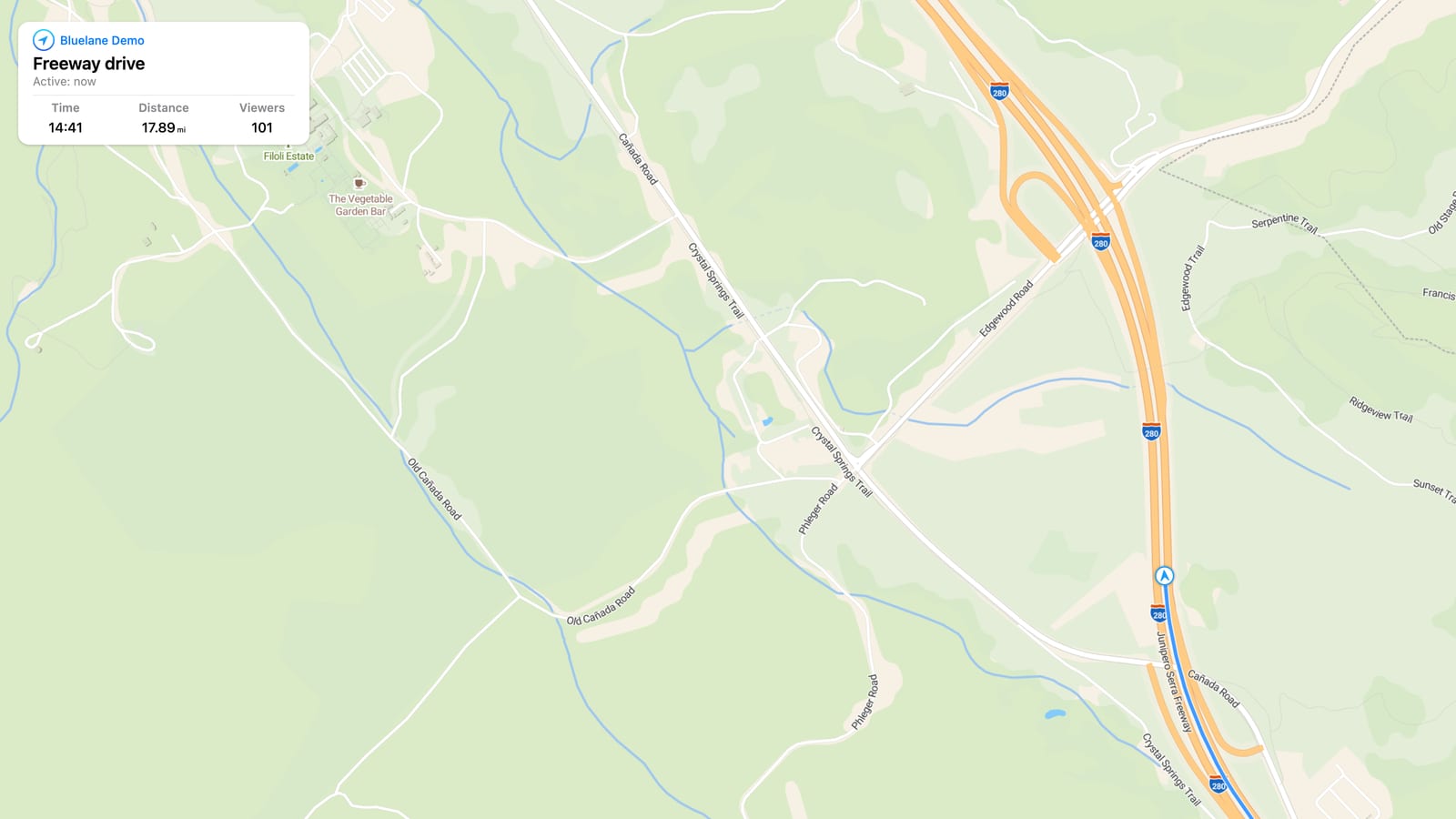
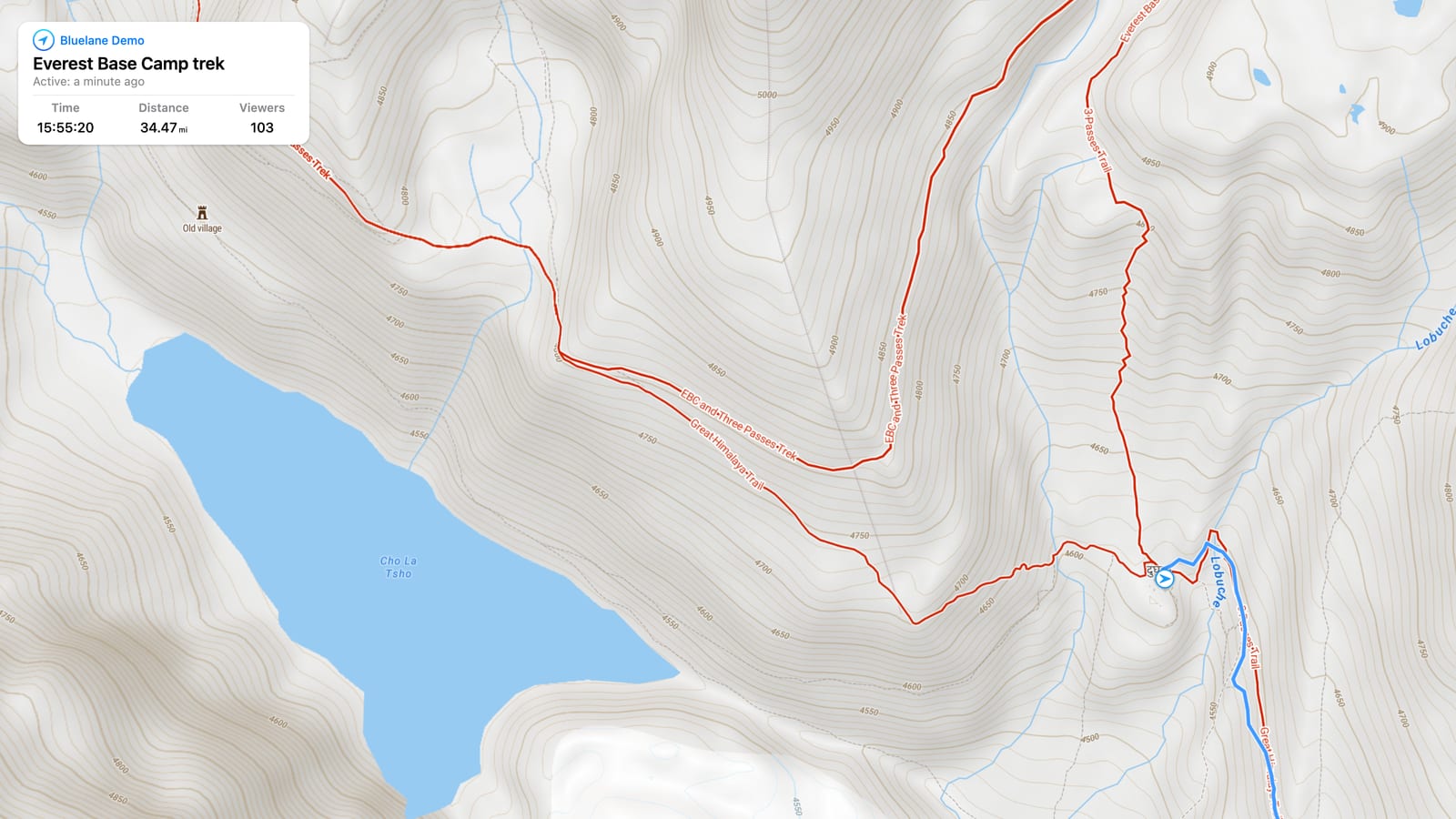
Start tracking
Open Bluelane on iPhone, iPad, or Apple Watch and begin a route when the trip starts.
Simple live location and route sharing
Running late, starting a road trip, or traveling alone? Send one Bluelane link and let the right people follow your progress in real time.

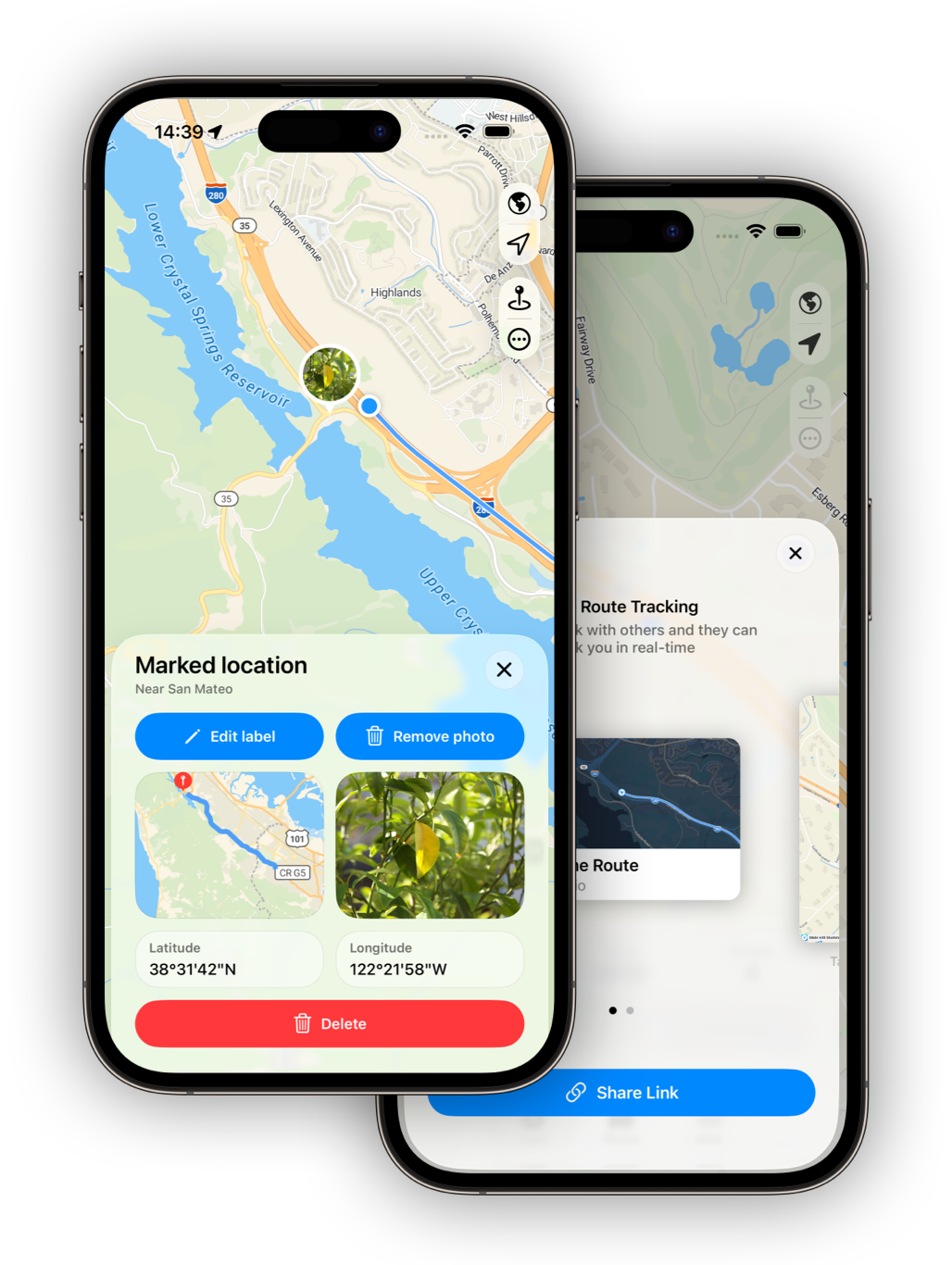
Bluelane is for the everyday trips where a live route is more useful than another text message. Start tracking, share a private link, and your family or friends can open a live map from any device. They do not need Bluelane installed, and they do not need to create an account to see the route you shared.
That makes Bluelane useful for road trips, airport pickups, commuting delays, meeting friends across town, solo travel days, bike rides, hikes, and any moment when someone wants to know how your trip is going. Live updates require mobile cell signal or another data connection on your phone. The app keeps the sharing simple: your route, one link, and a viewer page that works in the browser.
Open Bluelane on iPhone, iPad, or Apple Watch and begin a route when the trip starts.
Send the route through the messaging app your family or friends already use.
Viewers open the route in a browser and can see your progress while your phone has the signal needed to send updates.
Location sharing does not always need to be permanent. Sometimes you only want to share this route, with these people, for this trip. Bluelane keeps that interaction focused, so you can give someone visibility without setting up a new social network or asking them to manage another app.
When the trip ends, the route history is still useful. You can review distance and time, revisit past routes, import GPX files, export routes to GPX, and use Bluelane as a lightweight record of where you went.
No. Viewers open your shared route link in a browser. They do not need an account or the Bluelane app.
Yes. You decide who receives the link. Share it only with the people you want to follow that trip.
Bluelane is centered on route sharing. It is useful when you want to share a specific trip rather than create an always-on location sharing setup.
They can follow the route on a map and see trip context such as live progress, elapsed time, distance, and route details.
Yes. Your phone needs mobile cell signal or another data connection to send live updates. If you lose coverage, viewers may not see new route points until your connection returns.
Yes. You can start, stop, and share routes from Apple Watch and view key trip stats from your wrist.
Yes. Bluelane is a good fit for road trips, pickups, travel days, and other moments where family or friends want live progress instead of repeated updates.
Share one route link and let the right people follow along from any browser.